.png)
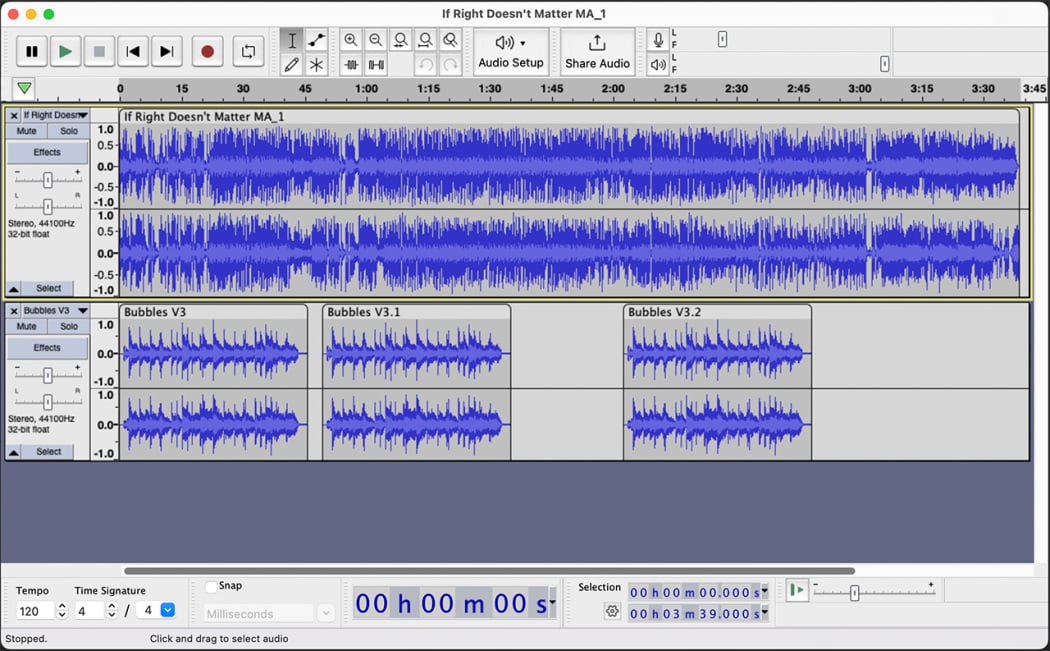
1. Audacity
Audacity is a free, popular, digital audio editor and recorder.
Platform compatibility: Windows, macOS, and Linux.
Top features:
- Audacity can edit audio, including cutting, copying, pasting, trimming, and mixing multiple audio tracks.
- Converts analog sounds into digital formats.
- It can produce effects such as reverb, compression, and noise reduction.
- It can import and export different audio file formats, including MP3, WAV, AAC, and more.
- Suggests features that allow users with visual impairments to have alternative navigation
Cons:
- Audacity has very old abilities
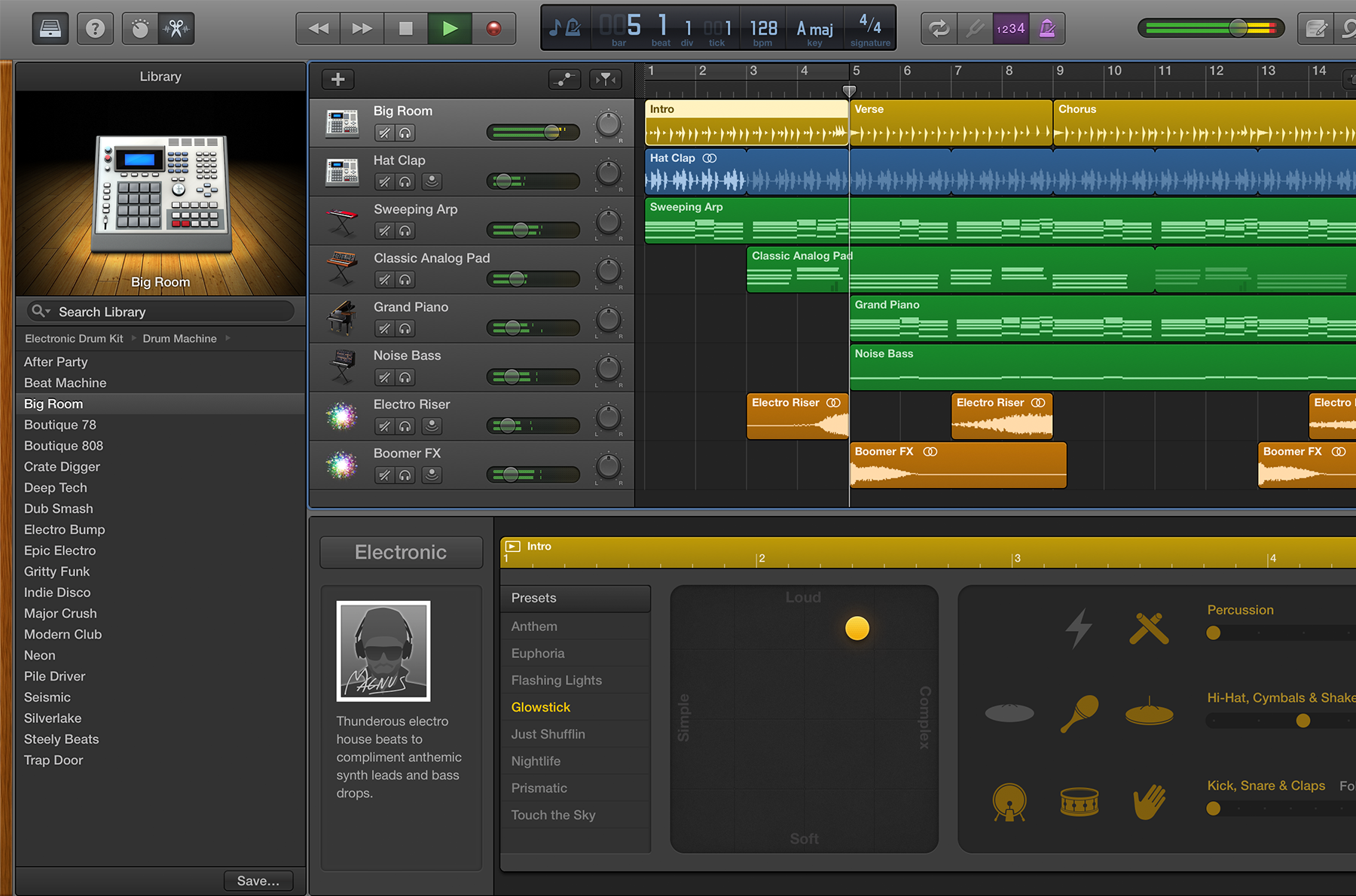
2. GarageBand
GarageBand is a free, user-friendly digital audio workshop.
Platform compatibility: macOS, iPadOS, and iOS devices
Top features:
- GarageBand has a vast library of software instruments, including keyboards, strings, and bands.
- Can record instruments and vocals, then mix multiple tracks together with professional effects such as reverb or EQ
- GarageBand Mac version includes 40 genre-based lessons for piano and guitar, sometimes taught by original recording artists.
- Projects in GarageBand can be synced via iCloud, allowing the user to start a song or recording on the iPhone and finish it on a Mac.
Cons:
- GarageBand is known for beginners, so for users looking for a more professional editing platform, it has limits for advanced production.
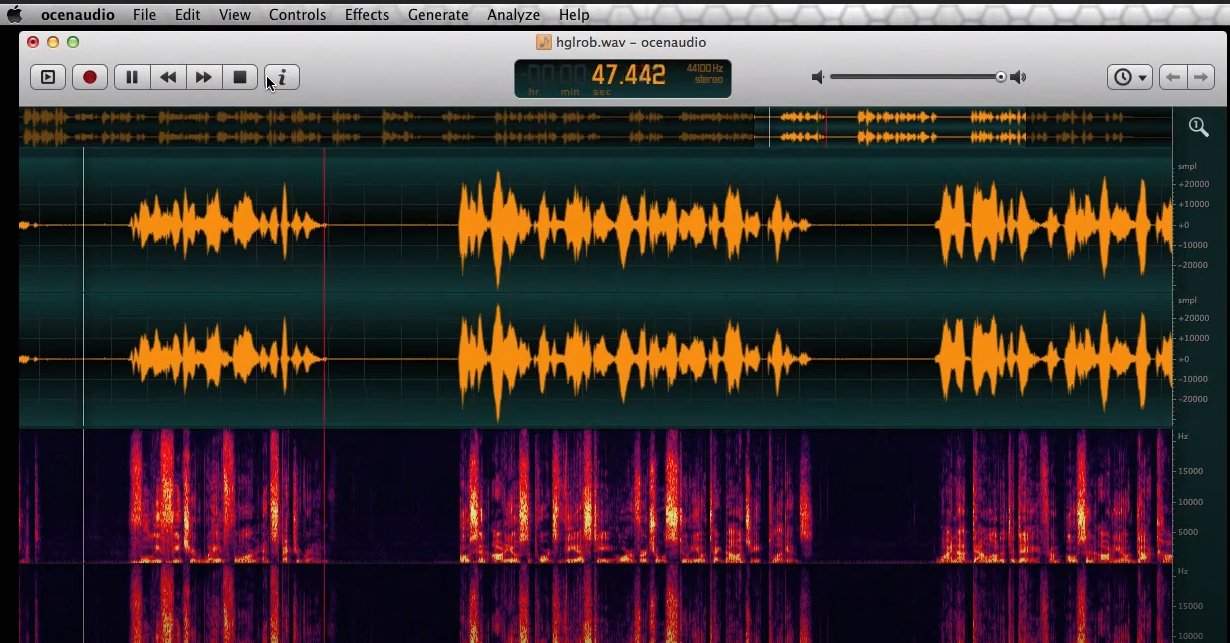
3. Oceanaudio
Oceanaudio is a free, quick music editing platform.
Platform capability: Windows, macOS, and Linux
Top features:
- Oceanaudio lets you listen to processed audio while adjusting effects, so you can hear changes instantly.
- It can hold large audio files without freezing excessive system memory.
- Has a special tool called multi-selection that lets you select different portions of an audio file to apply edits all at once.
- Oceanaudio is very efficient and well-suited for quick tasks like shortening podcasts, cleaning voiceovers, or basic sound analysis.
Cons:
- You can only edit one mono or stereo file at a time, and cannot layer multiple tracks as you would in Audacity.